When charging stops, collect the operating information before changing settings. The battery may be responding normally to a charge limit, temperature condition or lack of available energy.
Record the context
Note SOC, battery temperature, PV production, household load, grid state and the time charging stopped. Save both inverter and battery alarms. A screenshot of one display without context may not show the cause.
Review permitted operation
Check the configured charging schedule, reserve, inverter current limit and communication status against the approved setup. A high SOC or temperature-related BMS limit can legitimately reduce charging.
Escalate with a complete record
Send serial numbers, firmware and the event history to the installer or supplier. Do not bypass BMS protection or experiment with higher charge voltage. If there is unusual heat, odor, deformation or visible damage, stop using the equipment and follow the product’s emergency instructions.
Details to confirm
- SOC and temperature
- Available PV/grid charging
- Both devices’ alarm logs
- Recent settings or firmware changes
Should I reset the battery immediately?
Use the model’s troubleshooting procedure. Repeated resets can erase useful context without resolving the cause.
Product and project review
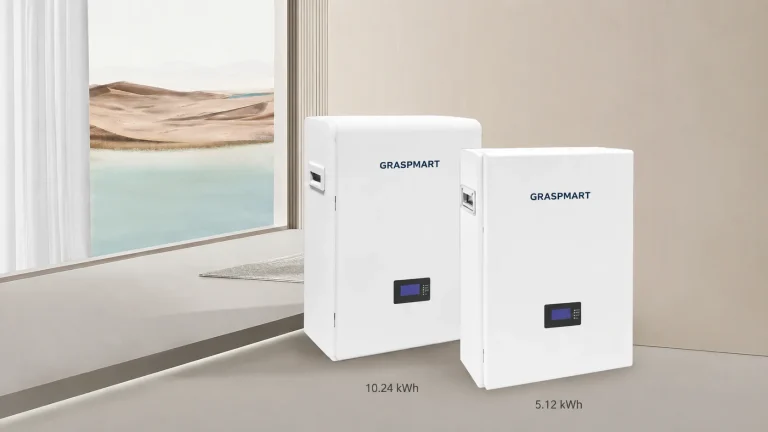
See the related Graspmart battery specifications and compare the available capacities. Use the reference data to shortlist a platform, then confirm the exact production model, accessories and operating limits in the quotation.
Send the inverter model, destination, quantity and the requirements listed above through the project enquiry form. Include existing equipment details when the battery is being added to an installed system.